How Much Does SEO Cost in Houston?
What Houston SEO costs, what changes the price, what you get at each level, and the red flags to check for before you sign a contract.
Read the guide →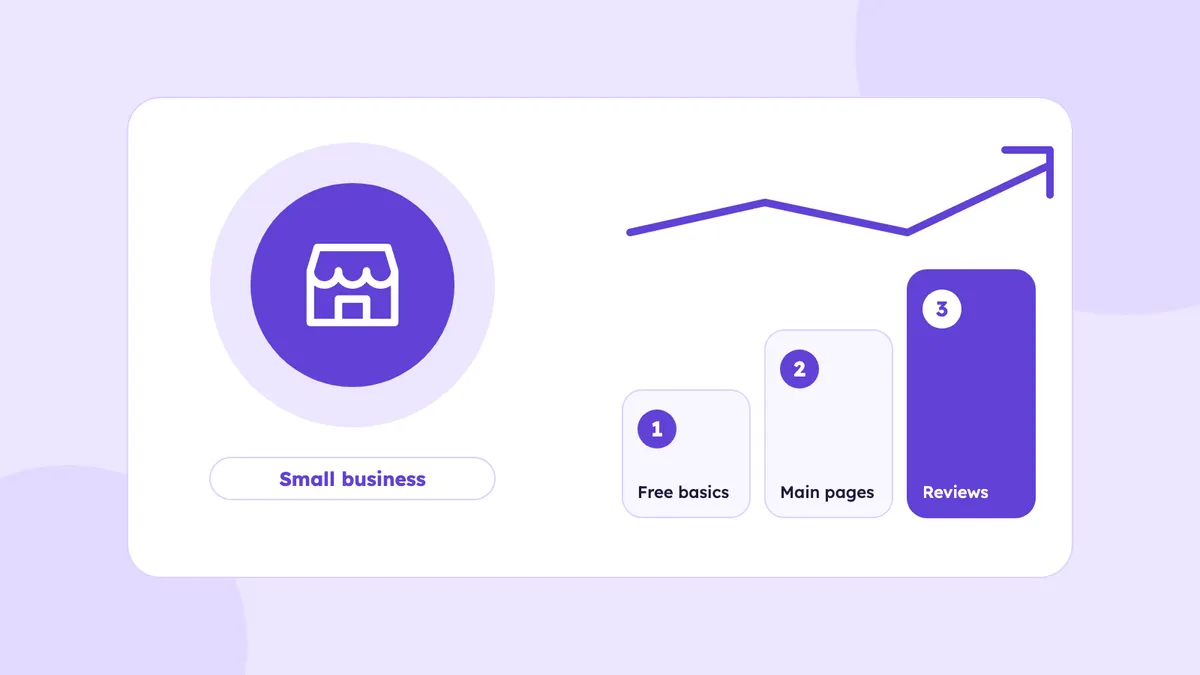
If you run a small business in Houston, you probably do not have thousands of dollars a month for marketing. You may also have heard that SEO takes months and that agencies charge a lot. Both can be true, and you can still make real progress with a small budget if you do the right things in the right order.
This guide shows what to do first, what you can do yourself for free, what is worth paying for and what to skip. It is written for owners who want a clear plan, not a long list of ideas.
Before you spend anything, write down three things. They take ten minutes and they decide everything else.
With these numbers you can judge any SEO offer. If a new customer is worth $400 to you and a monthly plan costs $500, you need about two or three new customers a month for it to pay for itself. If that sounds unrealistic for your business, start smaller.
Some of the most useful SEO tools cost nothing. Set these up before you pay anyone.
These four things cost only your time, and they give you the data you need to make good decisions later.
A small business site does not need fifty pages. It needs a few pages that are clear and easy to use. Check these on your own phone:
Then look at your pages. Do you have a separate page for each main service, or one page that tries to cover everything? A person searching for "water heater repair Katy" is better served by a page about that service than by a general "our services" page.
You do not need to write all your pages at once. Pick the one or two services that bring in the most money, and give each a proper page:
When those pages are done, move to the next service. One good page is worth more than five thin ones. You can see how we structure this on our page for small businesses.
Reviews are one of the cheapest ways to look more trustworthy, because they cost only a little time. Ask each customer after the job, with a direct link to your review page, and reply to every review you get. Never pay for reviews, never offer discounts for them and ask every customer, not only the ones who seem happy. Our guide on how to get more Google reviews has scripts you can copy.
Google and other tools check whether your name, address and phone number match across the web. Make sure they match on your website, your Google profile, Bing, Apple, Yelp and the main directories for your industry. An old address or an extra phone number on one listing can create confusion. Fix the old ones before you add new ones.
Here is a fair way to split the work.
Good to do yourself:
Worth paying for:
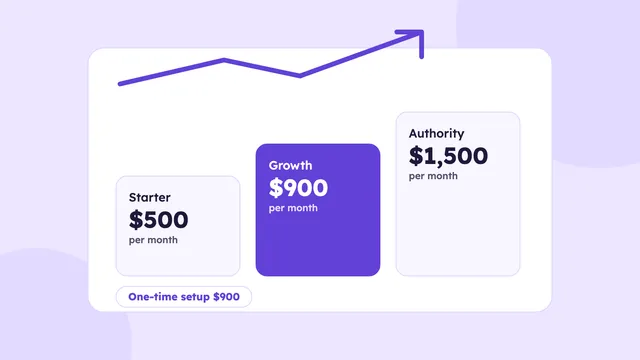
Here is how the budget can look. These are examples based on our own plans, not rules for every business.
Our guide on how much SEO costs in Houston explains how to compare quotes from any provider.
Month 1: Foundation.
Month 2: Your main pages.
Month 3: Grow what works.
Keep a simple sheet with four columns: date, how the customer found you, what they wanted and whether you got the job. Ask every new customer how they found you. Every month, look at three things: calls and forms, your Google profile views and calls, and the searches in Search Console. Rankings can move up and down, so look at the trend over a few months. SEO usually needs a few months of steady work before it brings steady results, and nobody can promise a date.
It depends on your market and your goals. You can start with free work and a few hours a week, then add a one time setup or a monthly plan when you are ready. Compare any price with what a new customer is worth to you.
Yes, for the basics: your Google profile, reviews, business details and clear service pages. A professional is most useful for technical checks, planning and ongoing work.
Small fixes can help within weeks. Steady results usually take a few months, and competitive markets take longer. No one can promise an exact date.
Not at the start. Service pages and your Google profile matter more. A blog can help later, when you have useful answers to questions your customers ask.
They work differently. Ads can bring calls quickly while you pay, and SEO builds over time. With a small budget, many owners start with the free basics and add paid work later.
What Houston SEO costs, what changes the price, what you get at each level, and the red flags to check for before you sign a contract.
Read the guide →
A step by step guide to earning real links for a Houston local business: where to look, how to ask, what to track and what to avoid.
Read the guide →
A practical technical SEO checklist for a small business website, with what to check, why it matters and free tools to use.
Read the guide →We’ll check your website, your Google Business Profile and how AI tools describe your business. You’ll get a short video with what to fix first, within 3 business days.
Basic plan starts at $500/month · See pricing