How to Show Up in the Google Maps Map Pack in Houston
How Google picks the three businesses in the map pack, and the steps that improve your chances in Houston, from profile setup to reviews and tracking.
Read the guide →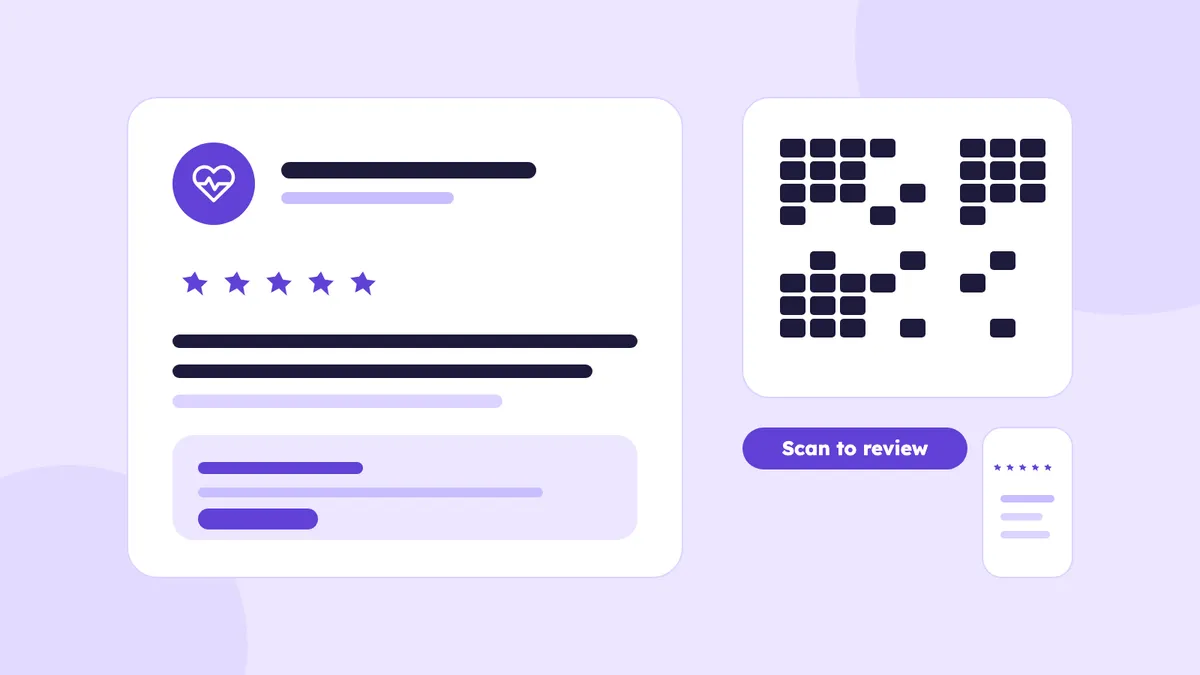
A homeowner in Katy has no air conditioning on a Sunday. She opens Google Maps, sees three HVAC companies, and looks at the stars and the first few reviews before she calls anyone. The same thing happens when someone in Montrose needs a dentist, or a business owner in Downtown Houston is looking for a lawyer.
Getting more reviews is not about begging customers or handing out discounts. It is about building a small, repeatable system that makes it easy for happy customers to say what they thought. This guide shows you how, with scripts you can copy and mistakes to avoid.
Reviews do three jobs, and it helps to keep them separate: visibility, trust and conversion.
More than the star average, these matter:
For the ranking side, our guide on how to show up in the Google Maps map pack covers everything else Google looks at.
The method is the same in every industry:
Give a good experience, ask at the right moment, make reviewing easy, follow up once, and reply to every review.
Timing is the biggest lever you control. Ask when the value is fresh and the customer can easily picture what they are describing.
One caution. Checking in with a customer to fix a problem is good service. But do not turn that check-in into a filter where only happy people get the review link and unhappy people are sent somewhere else. Google's rules do not allow selectively asking for positive reviews. Send the same request to everyone you finish a job with, and handle problems as problems.
A direct link takes the customer to the review box in one tap. Without it, they have to search for your business, find the right listing and look for the review button. Many will give up.
Google lets businesses ask customers for reviews and share a review link or QR code from the Business Profile. Look for the option to share a review form in your profile; it gives you a short link and a QR code. Do not type a link from memory, and do not use one from a random website.
Save the link where your team can find it, such as a pinned note or your CRM, add it to your service-complete message and keep that message short. The customer decides whether to write one.
Text messages work well for businesses that already text customers about appointments or arrival times. They get read quickly and the link opens right on the customer's phone.
Only text people who gave you their number for service communication, and include a way to opt out if you send messages in bulk. If you are not sure about the rules for your business, check with a professional.
Examples that sound like real businesses:
Hi Sarah, thanks for choosing ABC Plumbing today. If everything looks good, we'd appreciate your honest feedback on Google: [Review Link]
Thanks for stopping by our Houston office today, Mr. Lopez. If you have a minute, we'd appreciate an honest Google review. Your feedback helps our team: [Review Link]
Email suits businesses that mostly communicate that way, such as law firms, accountants and contractors who send estimates and invoices. Send it from a real person's address, not a no-reply:
Subject: How did we do?
Hi Mark, thanks for working with us on your roof replacement. If you have a couple of minutes, an honest Google review would help other Houston homeowners know what to expect. Here is the link: [Review Link]. Thanks again.
One link, no images, no long pitch.
A QR code works best where customers already have a moment and their phone in hand. Good places:
Make sure the code opens the review box directly instead of your homepage, and test it on a phone before you print anything.
Your team is where most of the reviews come from. People are not annoyed by being asked once. They are annoyed by pressure.
A natural way to say it: "If everything was good today, we'd really appreciate an honest Google review. I can text you the link if you'd like."
Compare that to: "Please give us a five-star review." The second one asks for a result, not feedback. It puts the customer in an awkward spot and can push them toward saying no. The goal is honest reviews, not only positive ones.
Practical tips for staff:
This one needs to be plain. Google's guidelines say reviews must reflect real experiences. Do not:
Google can remove reviews or suspend a profile for this, and customers can often tell when reviews look manufactured.
Detailed reviews are more useful to the next customer, but you cannot tell people what to write.
Compare these two requests:
The second one invites the customer to describe what happened in their own words. A nudge like "especially anything that stood out" is fine. Do not suggest keywords, services or neighborhoods, and never hand someone a sample review to copy.
Replies serve two readers: the reviewer and the people who read the review later. Keep them short, personal and professional.
A weak reply: "Thank you for your 5-star review! We appreciate your business!"
A better one: "Thanks, Mike. We're glad the AC installation went smoothly and that the team was able to finish on schedule. If anything needs adjusting this summer, call us."
For a negative review, stay calm and move the details offline:
"Hi Laura, we're sorry the appointment started late and that you waited longer than you expected. That is not how we want visits to go. Please call our office at the number on our profile and ask for the manager so we can look into it."
For law firms and medical practices, do not confirm that the person was a client or patient. Reply in general terms.
You can flag reviews that break Google's rules, such as fake reviews or spam, but not reviews you simply disagree with.
You will not remove every bad review, and you should not try. A profile with a few honest complaints and thoughtful replies often looks more believable than a flawless one.
A system means nobody has to remember. Here is a workflow a small business can run:
Do not send endless reminders. One request and one follow-up is plenty.
Copy these and adjust the wording to sound like you.
SMS: "Hi [Name], this is [Business]. Thanks for letting us help with [job] today. If you have a minute, we'd appreciate your honest Google review: [Review Link]"
Email: "Subject: Your feedback on [job]. Hi [Name], thanks for choosing [Business]. We'd appreciate an honest review of your experience here: [Review Link]. It helps us improve and helps other Houston customers decide."
In person: "If everything met your expectations, would you mind leaving us an honest Google review? I can send you the link right now."
QR code card: "How did we do? Scan the code to share your honest feedback on Google."
There is no magic number. A plumber in Pearland and a law firm in Downtown Houston face different competition. Instead of chasing a target:
If competitors have 200 reviews and you have 40, the answer is not to buy 160. Ask every customer consistently and keep going.
Week 1: Set up. Get your review link, create your SMS and email templates and decide who sends them.
Week 2: Train. Teach your team the verbal script and pick the moments in the customer journey where the request fits.
Week 3: Start asking. Send the request to every customer you finish with, using the same process each time.
Week 4: Review. Count requests and reviews, read the feedback for patterns, reply to anything still waiting and adjust the timing or wording.
The point is a habit, not a one-time campaign.
Deliver good service, then ask every customer for honest feedback at the end of the job with a direct link. Follow up once, reply to every review and repeat.
Yes. Google allows businesses to ask customers for reviews, including through a review link or QR code. What it does not allow is paying for reviews, offering rewards or only asking happy customers.
No. Google's guidelines do not allow offering incentives in exchange for reviews. Say thank you instead, and make the request honest and optional.
Get the link from your Business Profile, then put it in a text or email you send after the job. Keep the message short and personal.
Yes. Put it where customers wait or pay, and test that it opens the review box.
Ask everyone you complete a job with, using the same process. Do not choose only the happy ones. If someone had a problem, resolve it first and still let them decide.
Ask each customer once after the job, send a single reminder if there is no response, and do it consistently all year.
Reply calmly, avoid details and move the conversation offline. Then fix the cause and keep collecting honest feedback.
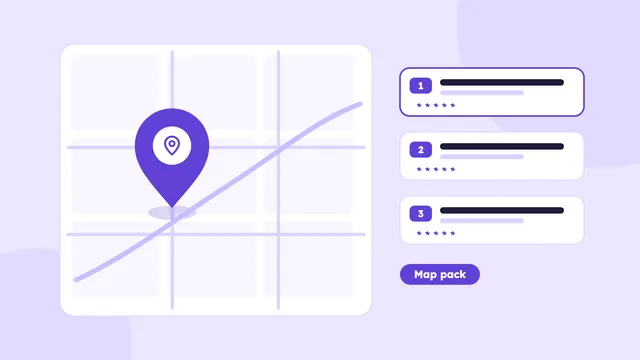
How Google picks the three businesses in the map pack, and the steps that improve your chances in Houston, from profile setup to reviews and tracking.
Read the guide →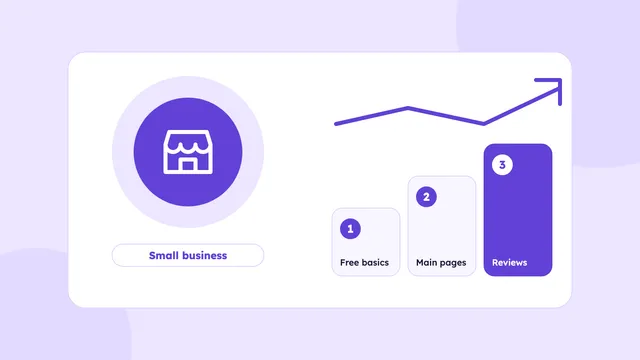
A simple plan for Houston small businesses with a small SEO budget: what to do first, what to skip, what you can do yourself and what is worth paying for.
Read the guide →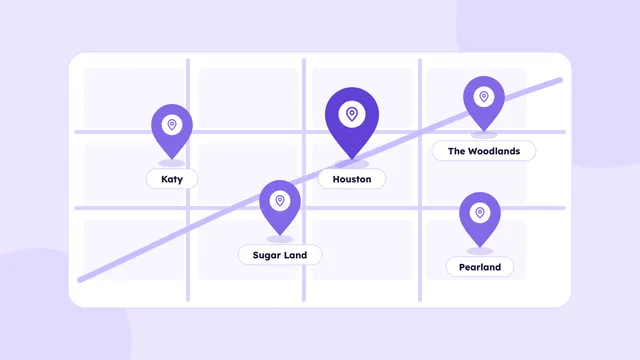
How a business can rank across Houston and its suburbs: choosing areas, building useful area pages, setting a service area and tracking results by location.
Read the guide →We’ll check your website, your Google Business Profile and how AI tools describe your business. You’ll get a short video with what to fix first, within 3 business days.
Basic plan starts at $500/month · See pricing