How to Show Up in the Google Maps Map Pack in Houston
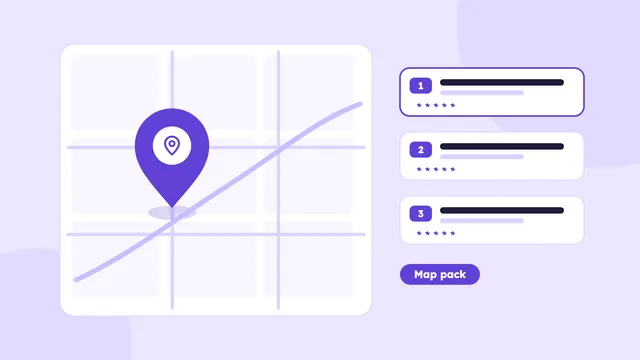
How Google picks the three businesses in the map pack, and the steps that improve your chances in Houston, from profile setup to reviews and tracking.
Read the guide →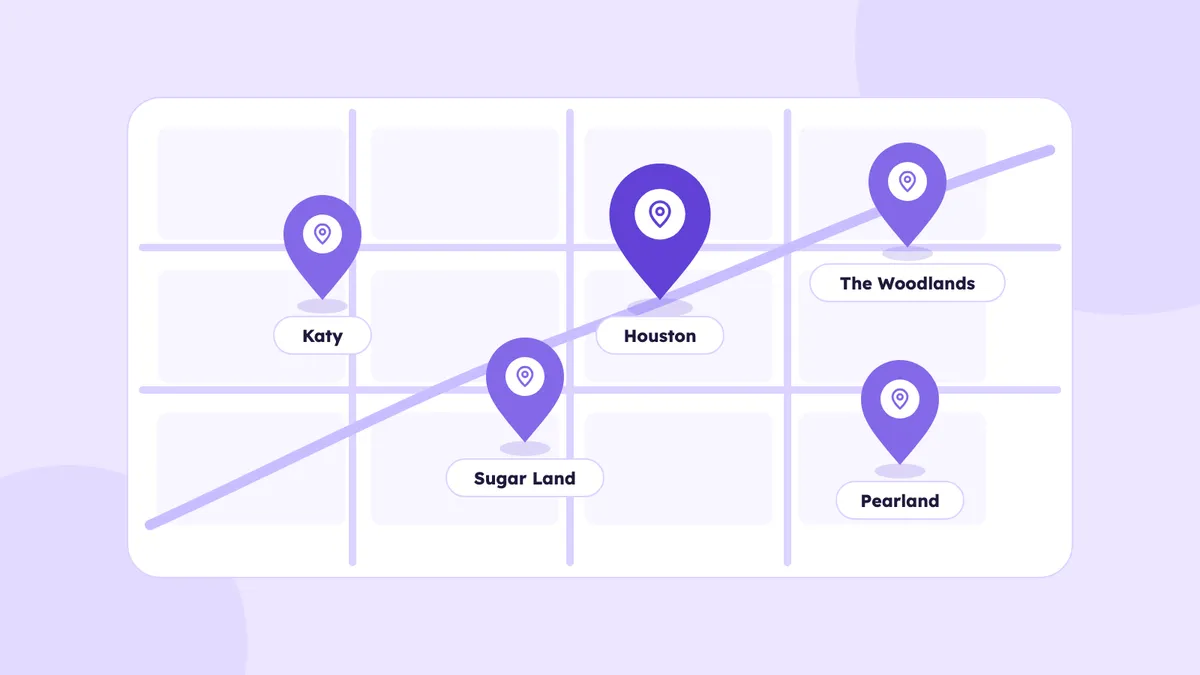
Houston is not one search market. It is a very large metro area with dozens of cities and neighborhoods, and the Google results change as you move across it. A plumber in Katy and a plumber in Pearland may both say they serve "Houston", but the people searching in each place see different businesses.
If you serve more than one part of the area, this matters a lot. This guide explains how local search works across Houston and its suburbs, how to choose which areas to target and how to build pages and profiles that actually help in each one.
When someone searches for a local service, Google looks at where they are. Google says local results are based on relevance, distance and prominence. Distance is the part that makes Houston tricky. A business near the searcher has an advantage, even if a business farther away has more reviews.
That has a few practical results:
You cannot move your office, but you can build signals for each area you want to serve.
Do not try to rank everywhere at once. A business that says it serves the whole metro area usually ranks nowhere in particular. Choose a small number of areas to start with:
Write the list down. Three to five areas is plenty at the beginning. You can add more as the first ones start to work.
People in the Houston area use different names for different places. Some are cities, some are neighborhoods and some are just well known areas. Examples include:
Use the names your customers use. If most of your calls say "I live in Cypress", put Cypress on your site, even if the mailing address says Houston.
For a business that travels to customers, the Business Profile lets you list service areas. Google allows up to 20 service areas, and you can pick cities or postal codes.
A few rules help:
If you have more than one real office, each office gets its own profile and its own page on your website. Our guide on how to show up in the map pack covers the profile in detail.
Your Business Profile only gets you so far. The website needs a page for each area you want to rank in, and the page has to say something real about that place.
A good area page includes:
Do not copy the same page and change the city name. Google has a spam policy about doorway pages, which are pages made to rank for many nearby searches that all send people to the same place. A page needs to be useful to a person in that area, and an extra URL with copied text is not.
You can see how we handle this on our pages for Katy, Sugar Land, The Woodlands, Pearland and Houston Heights. All of them are listed on our areas we serve page.
Here is what a difference looks like for an HVAC company.
You do not need to write an essay. A few honest paragraphs, a real photo and a clear next step are better than five hundred words of filler.
Reviews that mention the neighborhood or the service help people see that you work in their area. You cannot script them, and you should never tell a customer what to write. What you can do is ask every customer, as soon as the job is done, and reply to each review with a real detail, such as the job type and the area. Our guide on how to get more Google reviews has scripts and a workflow.
Local mentions help too: sponsoring a school team in Katy, joining a chamber of commerce in Sugar Land or being listed by a local association in The Woodlands. Real local links and mentions from each area support your pages there.
Your name, address and phone number should be the same on your website, your Google profile and your directory listings. If you have call tracking numbers, use them carefully so the main number still appears in the same way across the web. Inconsistent details can weaken trust for every area you serve.
Do not judge by one number. Check these every month.
After a few months you will see which areas bring the most business and which need more work. Move your effort toward the ones that work.
Month 1: Pick three to five areas. Set up your service areas on your profile. Check that your details match everywhere.
Month 2: Build or improve one page for your main area, with real details and photos. Start asking every customer for a review.
Month 3: Add pages for the next two areas. Look at Search Console and your calls by area, and decide where to go next.
Local results usually take a few months of steady work, and nobody can promise a position.
It is hard to rank across the whole metro area, because distance affects results. It works better to choose a few areas and build real signals for each one.
Google allows up to 20 service areas on a Business Profile. List only the places you really serve.
For the ones you want to rank in, yes. Each page should have real details about that area, not the same text with a different name.
No, only for real locations where you have an office that customers can visit. Extra profiles without a real address can cause problems.
It varies. Some changes help within weeks, while competitive areas usually take a few months of steady work, and no one can promise a result.
How Google picks the three businesses in the map pack, and the steps that improve your chances in Houston, from profile setup to reviews and tracking.
Read the guide →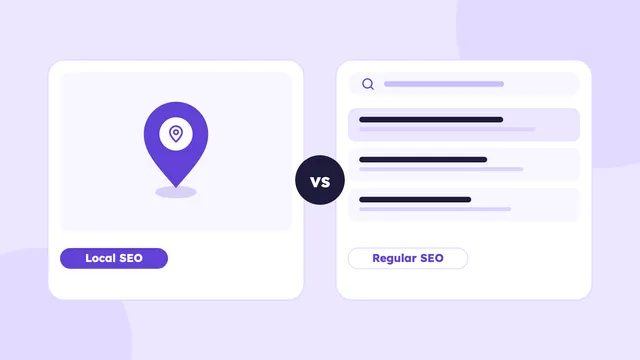
Local SEO and regular SEO aim at different searches. Here is how they differ, which one your Houston business needs, and where to start.
Read the guide →
A simple system for getting honest Google reviews from real Houston customers, with timing, scripts, QR codes, replies and a 30-day plan.
Read the guide →We’ll check your website, your Google Business Profile and how AI tools describe your business. You’ll get a short video with what to fix first, within 3 business days.
Basic plan starts at $500/month · See pricing